

- Login to Synk.to and open “Connections” section of the application.
- Choose Google Workspace as a Source System (which will be used as a reference for users and groups) and Slack as a Replica System (which will receive any updates made in Source System), and click “Next”.
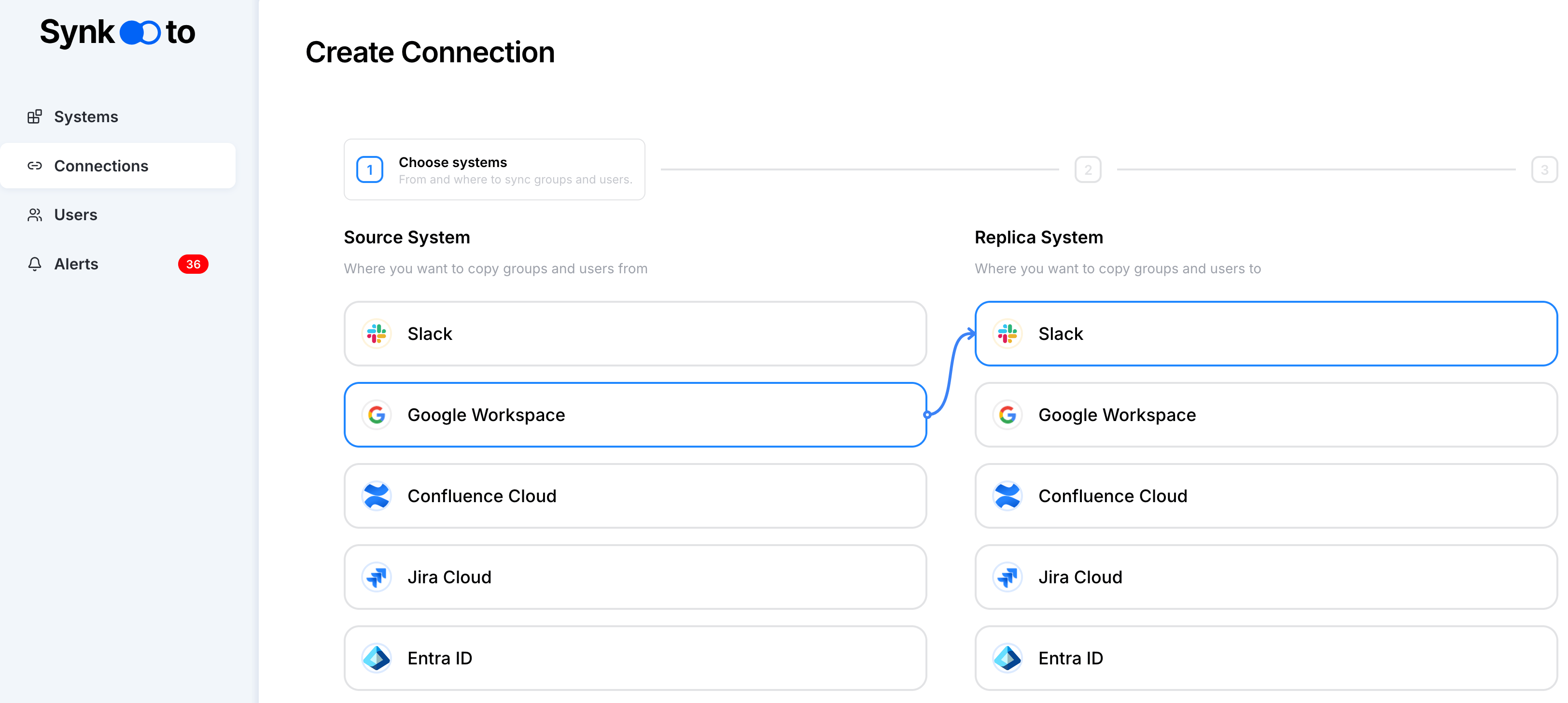
-
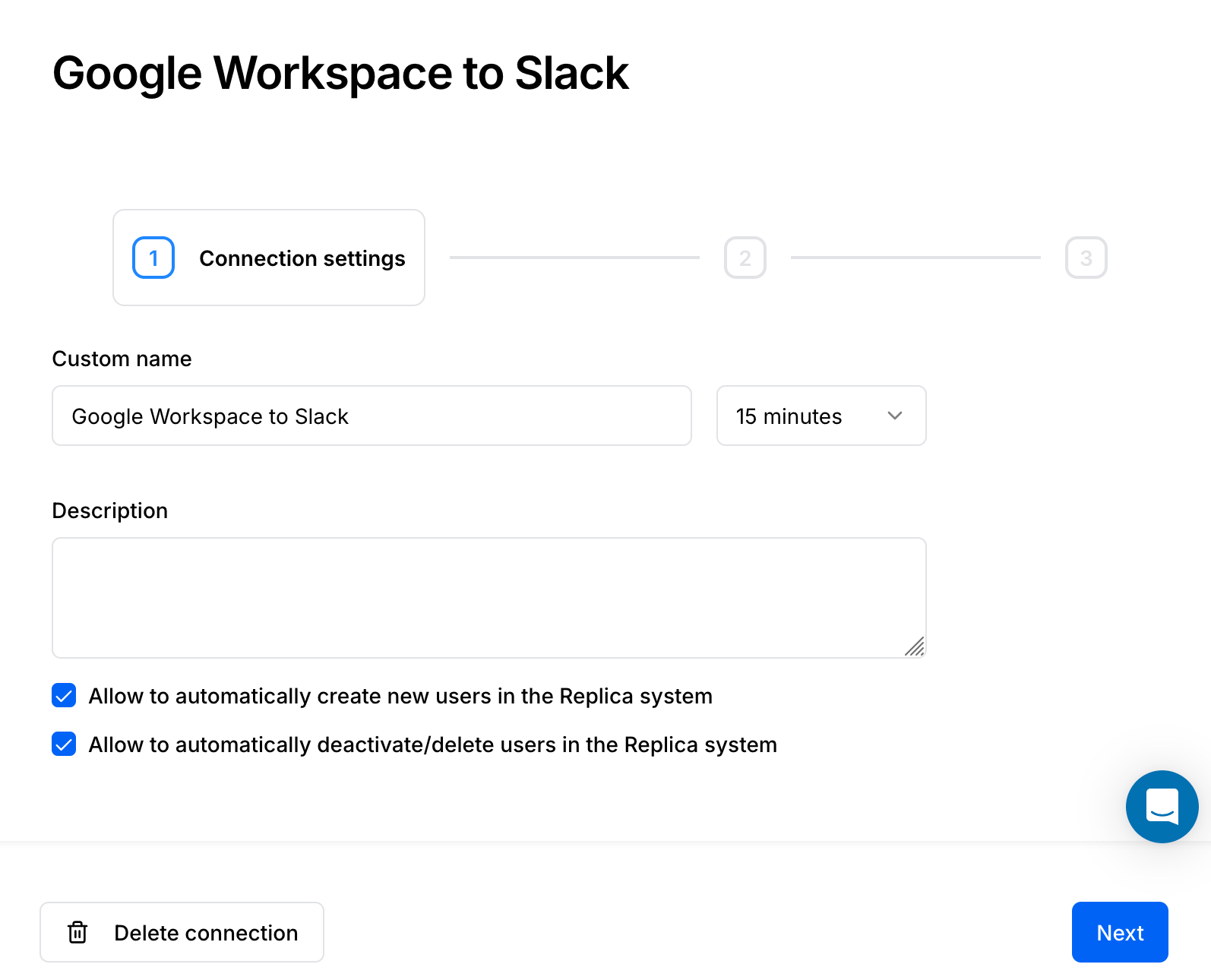
On a Step 1, set up “Custom Name”, sync intervals, “Connection Description”, and choose the following options, if you:
- Allow to automatically create new users in the Replica system,
- Allow to automatically deactivate/delete users in the Replica system.
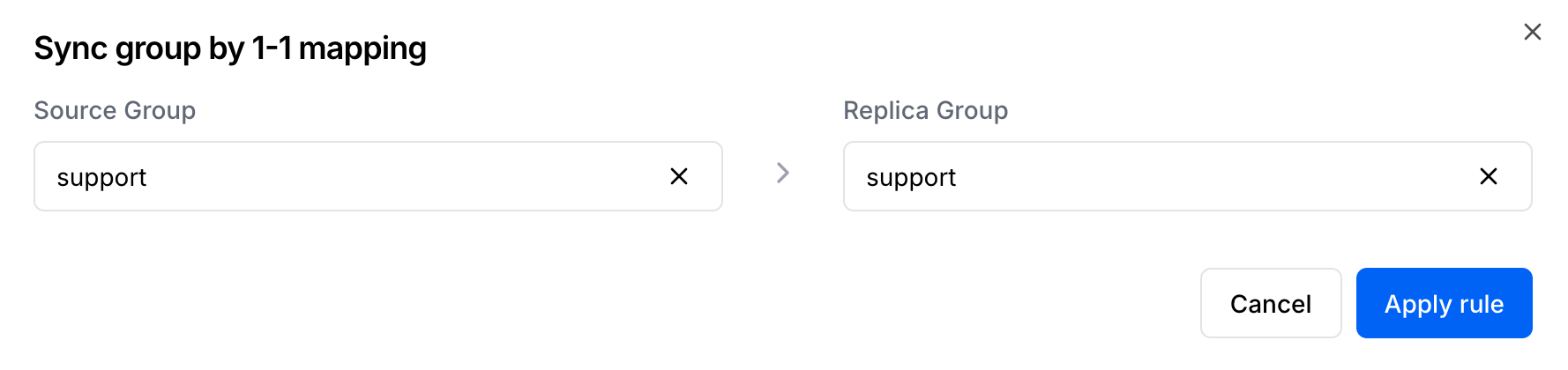
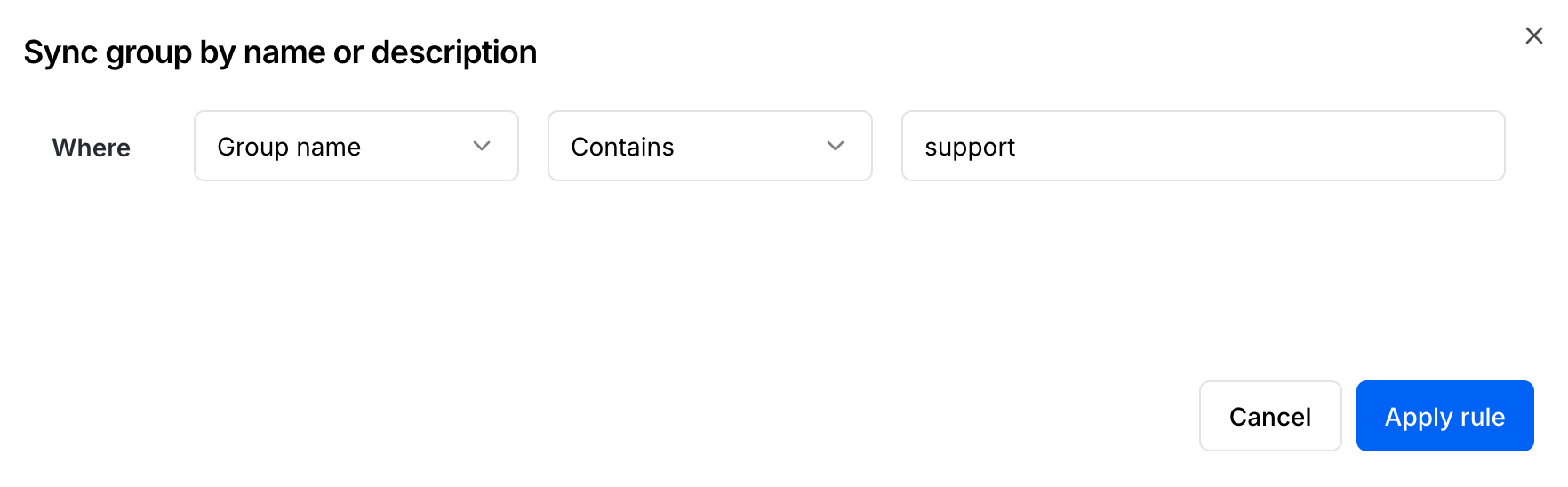
- Next, click “+Add Rule” and setup either 1-1 group mapping, or mapping by group name or description.
- Check user mapping in “View users” view. Initially all users are mapped by email and you can’t change that behavior.
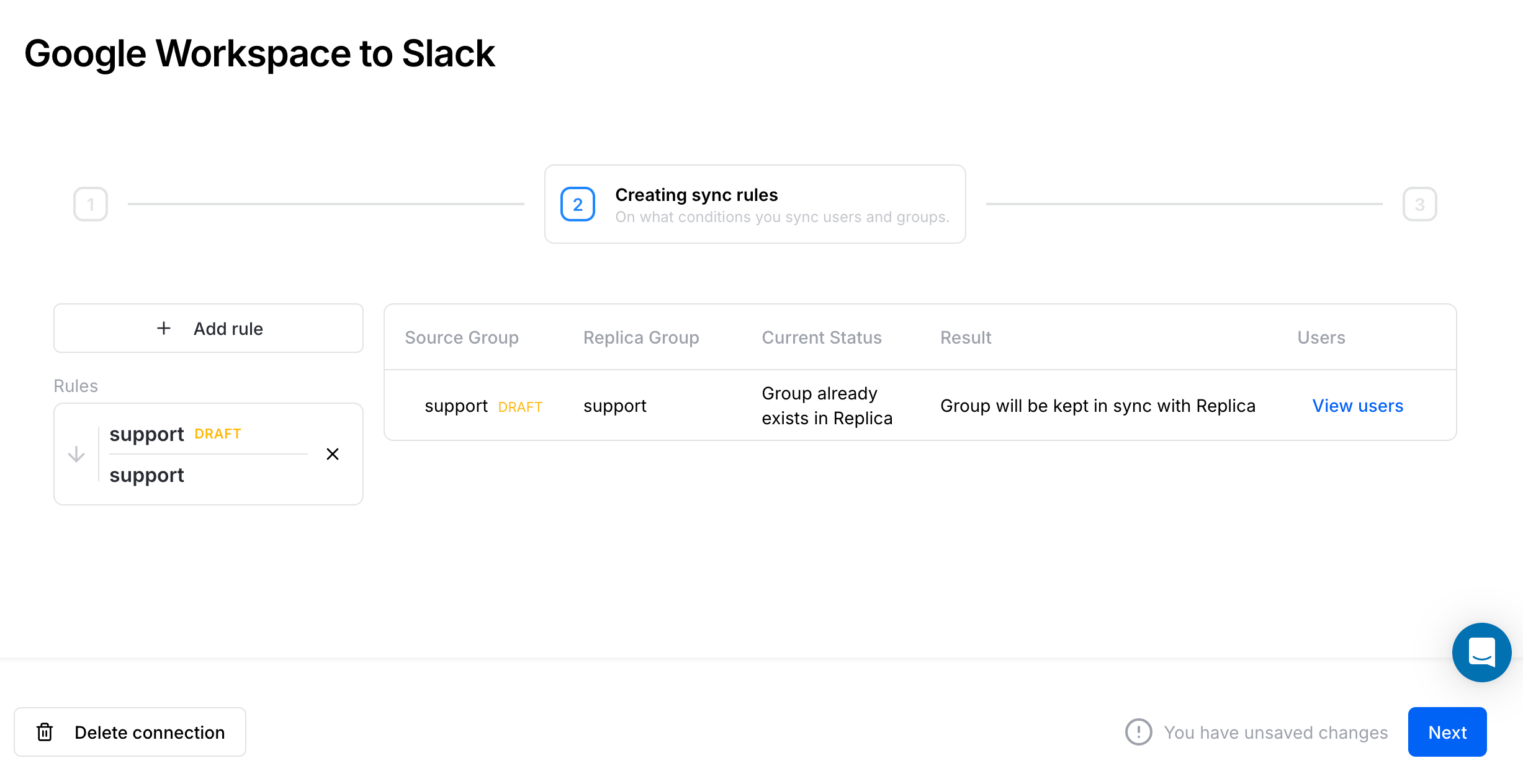
- Click “Next” to launch users synchronization.
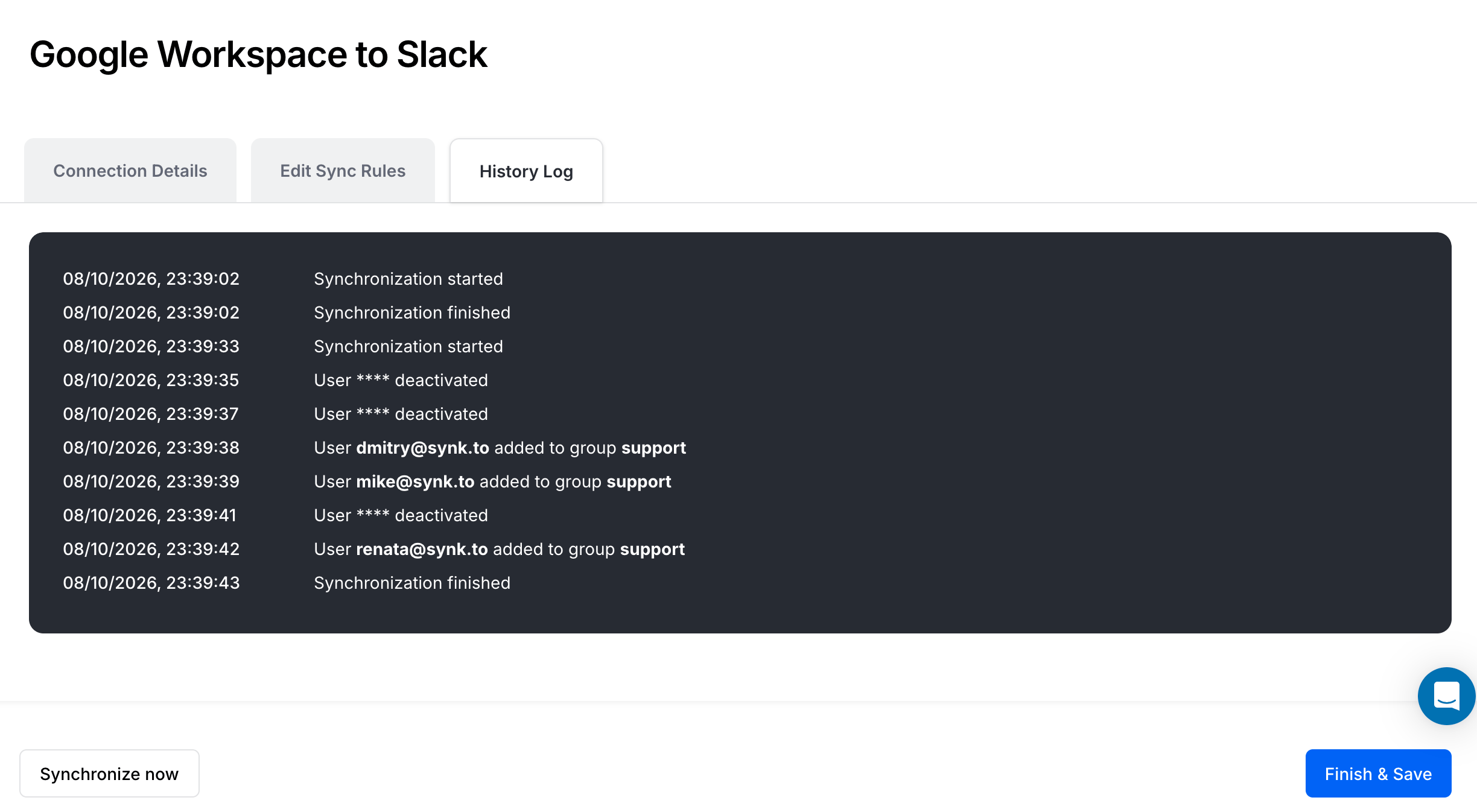
- Click “Finish & Save” to finish the connection.